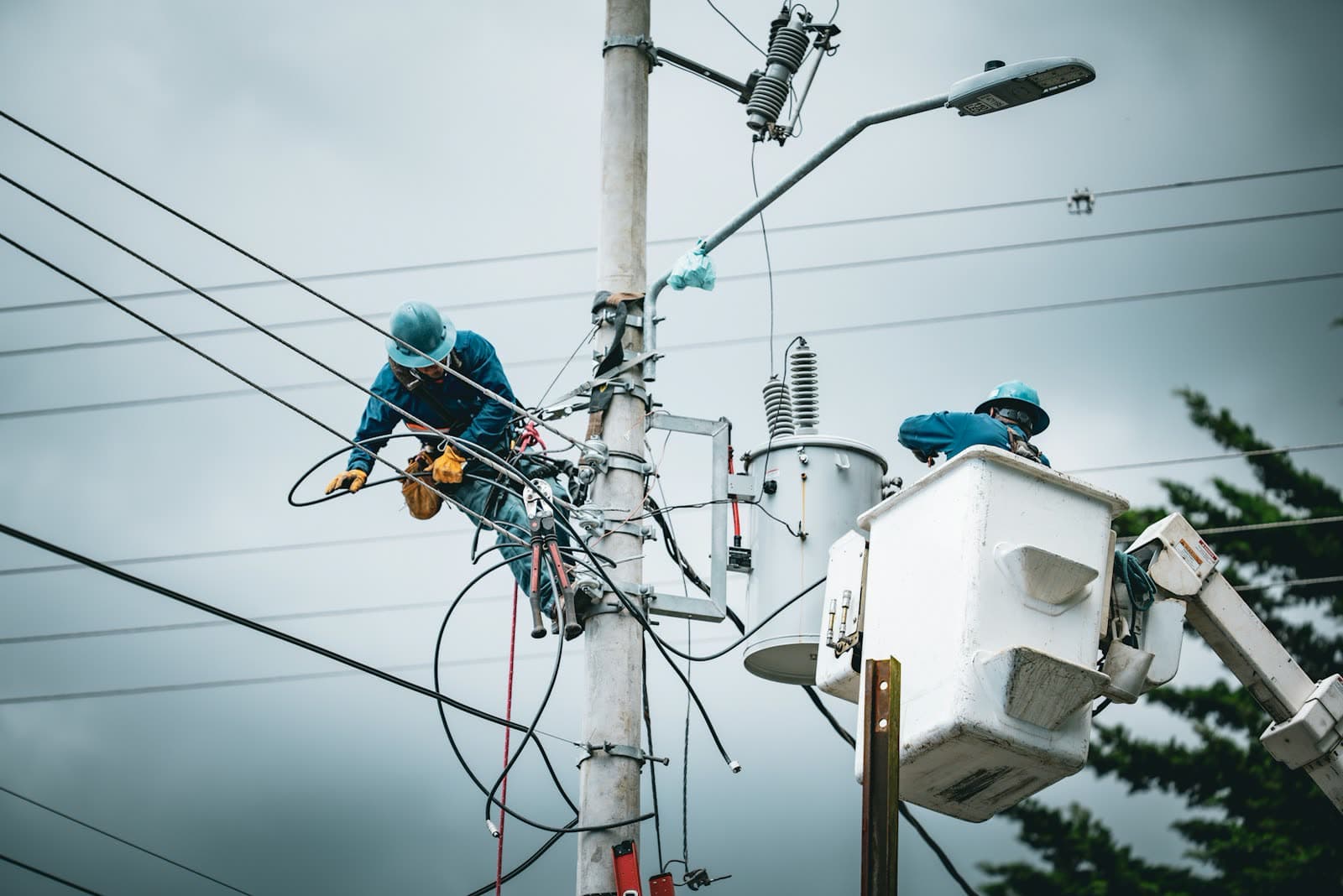
Which one of them is this a photo of?
Forty near-identical photos are worth little a week later. Captured here, each already knows its spot.


A photo taken on a phone comes back as a located, shareable record — nothing to transcribe, no coordinates to type up afterwards.
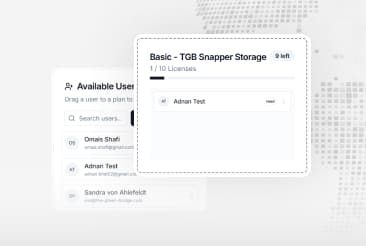
Modules · Storage · User plans
Two workers in high-visibility vests crossing a construction site, each marked with a location pin.
What it's for
Forty near-identical photos are worth little a week later. Captured here, each already knows its spot.

Notebooks and camera rolls have to be collected and re-entered. A field capture is in the system as it happens.
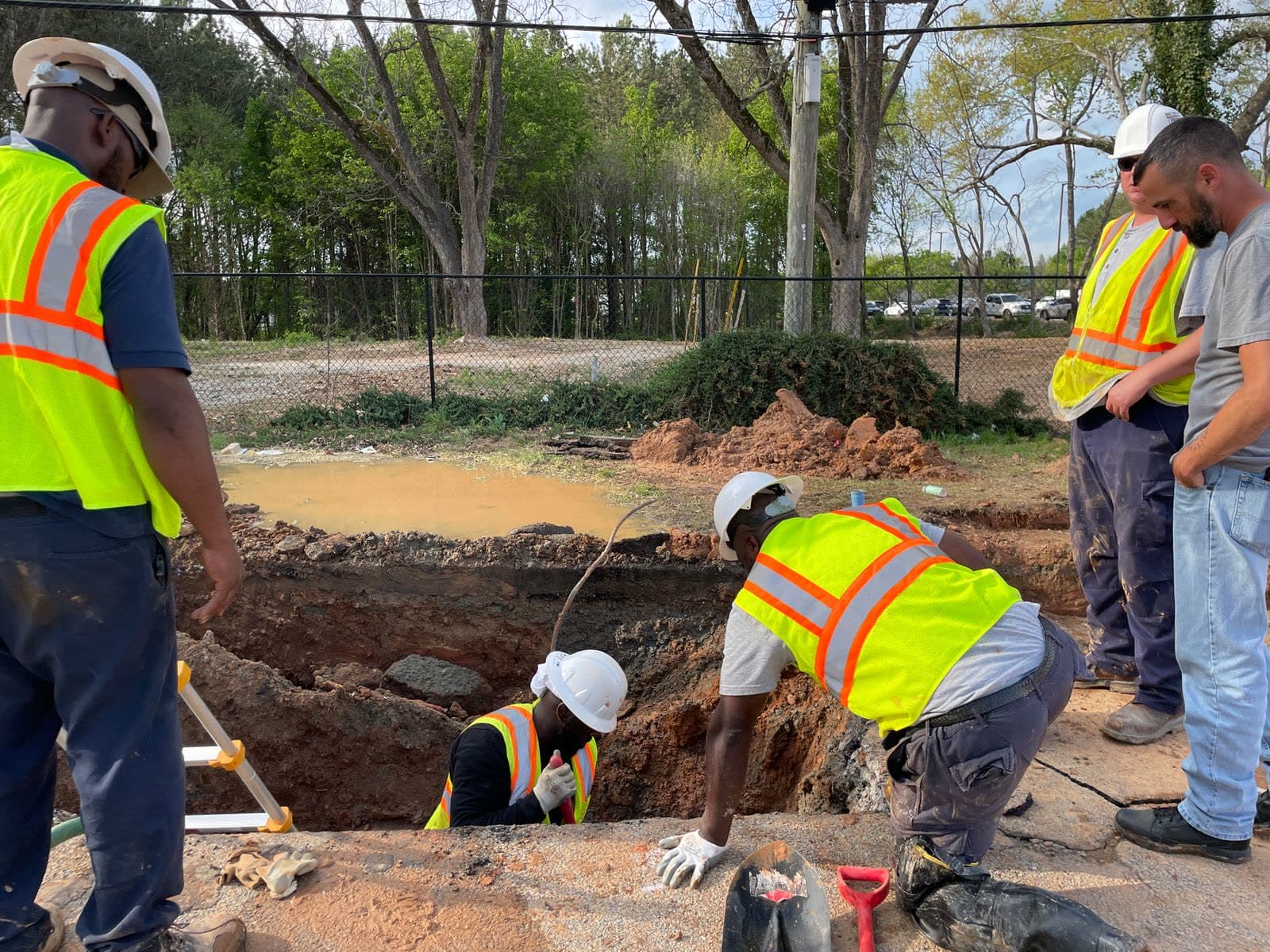
A record carrying its own place and time is evidence. One written up afterwards is an account.
How it works
Snapper does the part people normally do by hand: it fixes where a capture happened and files it there, the moment it is taken.
1Capture
Photo or video, taken on the phone your crew already carries.
2Seal
The spot is fixed to one square of the grid and stays with the file.
3Share
It joins the team's map as it is taken, not at the end of the day.
The technical names, once
In TGB's own vocabulary: a capture is a snap, the square it is fixed to is an AreaSeal, and related snaps group into an object assembly. What Snapper can do is packaged as modules, what it keeps is storage, and who may do it is set by user plans. Everything below this point is written in those terms.
What you get
Field capture, location handling and the housekeeping around them — the parts a team would otherwise stitch together from a camera, a notebook and a spreadsheet.
Photo and video capture, located as it is taken
The GPS position is attached at the moment of capture rather than looked up afterwards.
Live location and snap management
See where the team is working and what they have captured, while they are still there.
Automatic AreaSeal for every location
Each capture is fixed to a grid square, so it lines up with every other TGB dataset without conversion.
Object assemblies
Group the captures that belong to one asset, inspection or job, and keep them together.
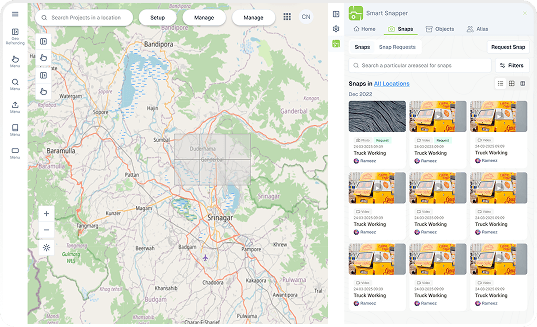
What is inside Snapper
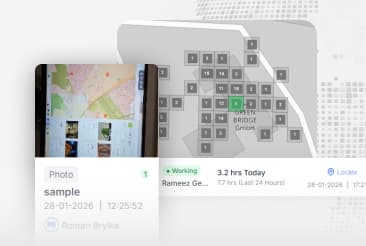
Explore powerful modules designed for comprehensive field operations, data collection, and spatial analysis
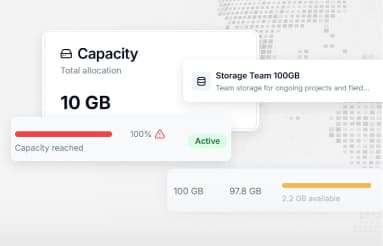
Secure and scalable storage solutions for files, media, and spatial data with easy API integration
Tell us how your teams work today and we will show you what Snapper changes about it.
Prefer another way? Email sales
We use cookies to ensure you get the best experience on our website. For more information on how we use cookies, please see our cookie policy.
By clicking "Accept", you agree to our use of cookies.
Learn more.